基于JS_HOOK的web流量加解密方案
原创 kkk mr 2026-01-12 17:14 浙江
最近遇到一个web网站,流量是通过js的加密的,于是设计了一套较为通用的流量js hook配置burp的流量加解密方案。
方案分为以下几个部分:
•加密函数的参数和返回值记录•解密函数的的参数和返回值记录•生成请求的Rpc•解密响应的Rpc
优点: 不用管具体的加密算法的实现,找到函数即可
具体实现如下:
记录请求的密文和明文
假设现在网站源码如下:
<htmllang="zh-CN"><head><metacharset="UTF-8"><metaname="viewport"content="width=device-width, initial-scale=1.0"><title>demo</title><script>function encrypt(data) {return btoa(unescape(encodeURIComponent(data)));}function decrypt(data) {return decodeURIComponent(escape(atob(data)));}async function send() {const inputData = "test";if (!inputData) {return;}const encryptedData = encrypt(inputData);const payload = {message: encryptedData,timestamp: new Date().getTime()};try {const response = await fetch('https://httpbin.org/post', {method: 'POST',headers: {'Content-Type': 'application/json'},body: JSON.stringify(payload)});if (response.ok) {const result = await response.json();alert("resonpse:"+ decrypt(JSON.parse(result.data).message));} else {alert("error: " + response.status);}} catch (error) {}}</script></head><body><buttontype="button"onclick="send()">send</button></body></html>
encrypt是加密函数,decrypt是解密函数
通过burp中间人注入hook代码,hook后代码为
<htmllang="zh-CN"><head><metacharset="UTF-8"><metaname="viewport"content="width=device-width, initial-scale=1.0"><title>demo</title><script>function encrypt(data) {return btoa(unescape(encodeURIComponent(data)));}window.raw_encrypt = encrypt;encrypt = function (x) {const BASE_URL = 'http://127.0.0.1:9999';async function reportData(plain, cipher) {await fetch(`${BASE_URL}/report`, {method: 'POST',headers: { 'Content-Type': 'application/json' },body: JSON.stringify({ plaintext: plain, ciphertext: cipher })});};plaintext = x;ciphertext = window.raw_encrypt(x);reportData(plaintext, ciphertext);return ciphertext};function decrypt(data) {return decodeURIComponent(escape(atob(data)));}window.raw_decrypt = decrypt;decrypt = function (x) {const BASE_URL = 'http://127.0.0.1:9999';async function reportData(plain, cipher) {await fetch(`${BASE_URL}/report`, {method: 'POST',headers: { 'Content-Type': 'application/json' },body: JSON.stringify({ plaintext: plain, ciphertext: cipher })});};ciphertext = x;plaintext = window.raw_decrypt(x);reportData(plaintext, ciphertext);return plaintext};async function send() {const inputData = "test";if (!inputData) {return;}const encryptedData = encrypt(inputData);const formData = new URLSearchParams();formData.append('data', encryptedData);try {const response = await fetch('https://httpbin.org/post', {method: 'POST',headers: {// 必须指定 Content-Type'Content-Type': 'application/x-www-form-urlencoded'},body: formData // 直接传入 URLSearchParams 对象});if (response.ok) {const result = await response.json();alert("resonpse:" + decrypt(JSON.parse(result.data).message));} else {alert("error: " + response.status);}} catch (error) {}}</script></head><body><buttontype="button"onclick="send()">send</button></body></html>
这样就将我们将加解密都hook成我们的函数,并且在执行的时候会进行上报
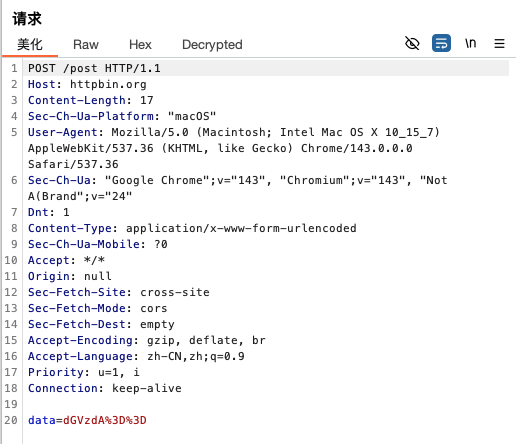
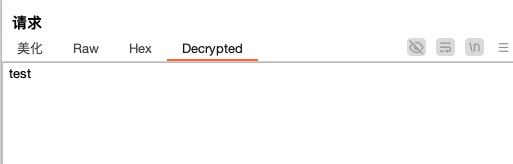
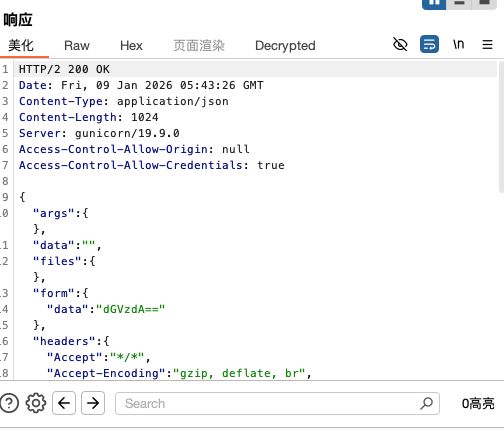
至此,我们可以实现浏览器流量的加解密,效果如下:
原始请求:
解密请求:
原始响应包:
解密响应包:
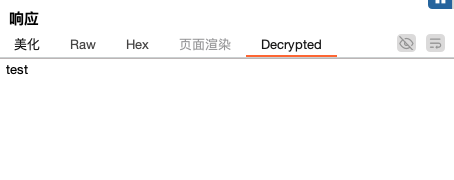
Rpc实现请求加密
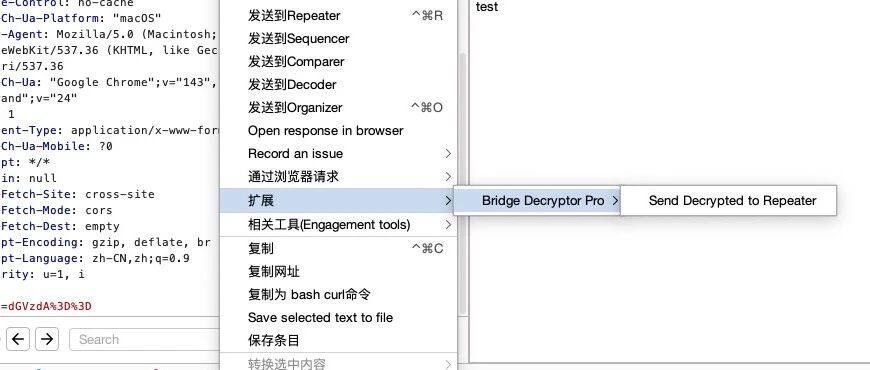
通过右键扩展,将明文数据发送到重放器
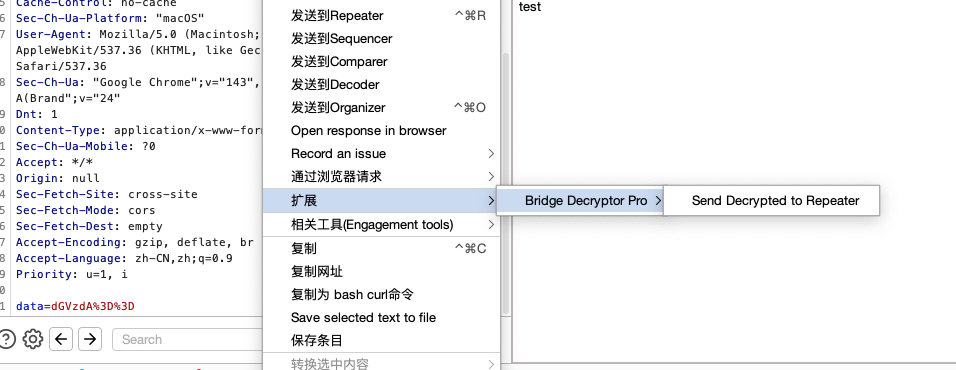
效果如下:
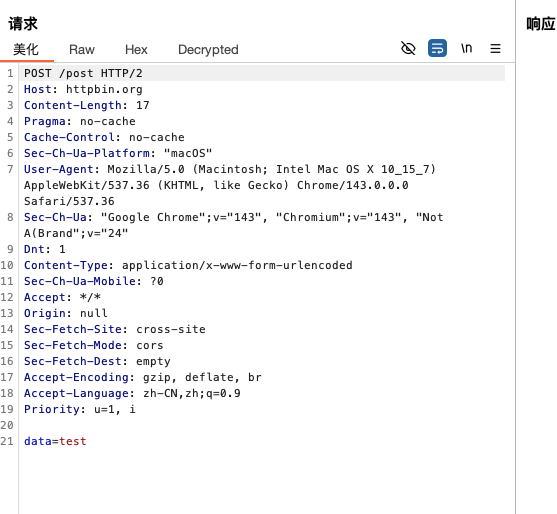
我们修改包的参数,然后在浏览器执行如下js代码:
(function () {const BRIDGE_URL = "http://127.0.0.1:9999";/*** Site-specific Encryption Logic*/function Encryption(plainText) {return window.raw_encrypt(plainText);}/*** Site-specific Decryption Logic* Replace 'window.targetDecrypt' with the actual function found on the site*/function Decryption(cipherText) {return window.raw_decrypt(cipherText);}/*** Send result back to Burp Bridge*/async function reportResult(taskId, result) {try {await fetch(`${BRIDGE_URL}/task`, {method: 'POST',headers: { 'Content-Type': 'application/json' },body: JSON.stringify({id: taskId,result: result})});} catch (e) {console.error("Failed to report result:", e);}}async function pollTask() {try {const resp = await fetch(`${BRIDGE_URL}/task`);const task = await resp.json();// Ignore IDLE state to reduce console noiseif (task.type === "IDLE") {return;}console.log("New Task Received:", task.type, task.id);let result = null;if (task.type === "ENCRYPT") {result = await Encryption(task.payload);} else if (task.type === "DECRYPT") {console.log( "DECRYPT",task.payload)result = await Decryption(task.payload);}if (result !== null) {await reportResult(task.id, result);console.log("Task Completed:", task.id);}} catch (e) {// console.error("Poll Error:", e.message);} finally {// Use 200ms-500ms for better responsivenesssetTimeout(pollTask, 300);}}console.log("JS Bridge Client Started... Waiting for tasks.");pollTask();})();
加密请求
然后选中我们要加密的文本,右键
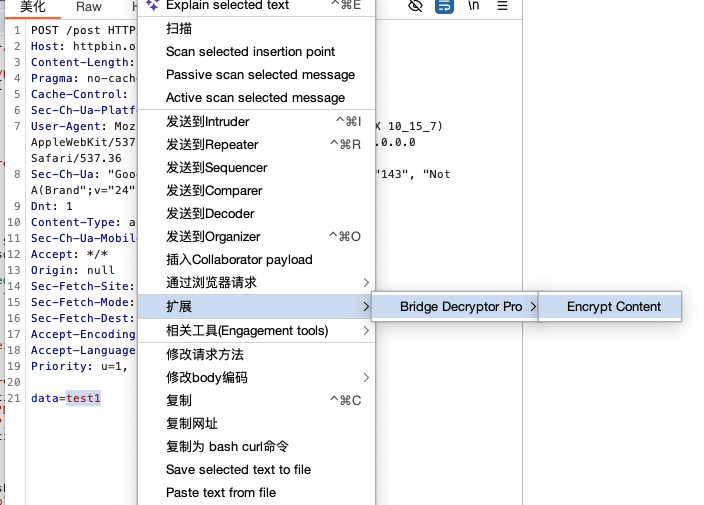
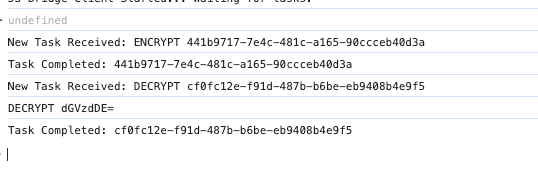
js收到请求后处理:
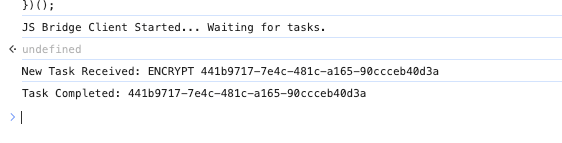
加密效果:
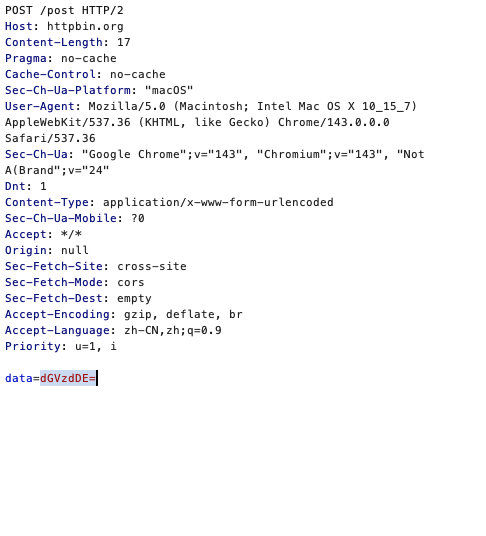
解密请求
原始响应:
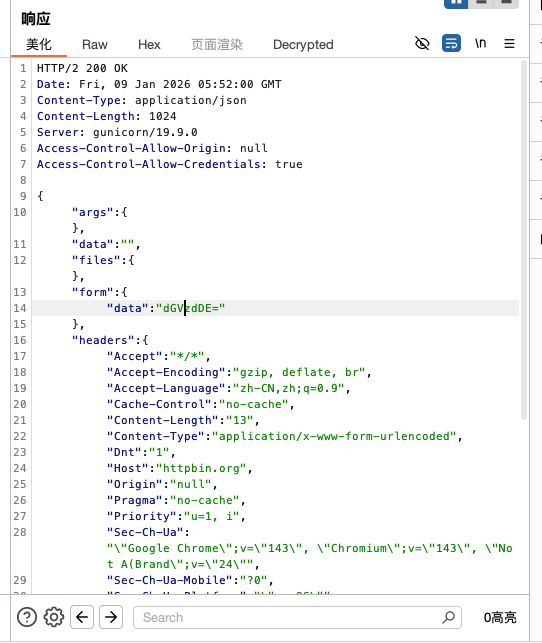
点击响应的Decrypted tag 触发rpc
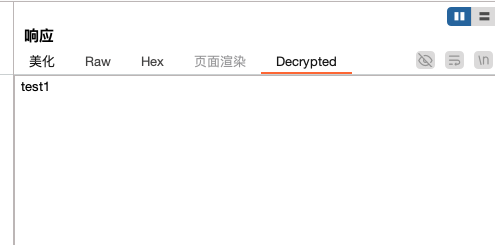
插件使用方法
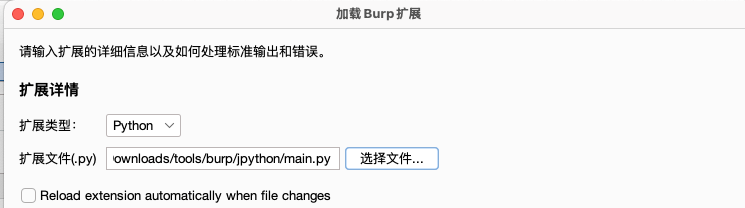
示例代码开源在: